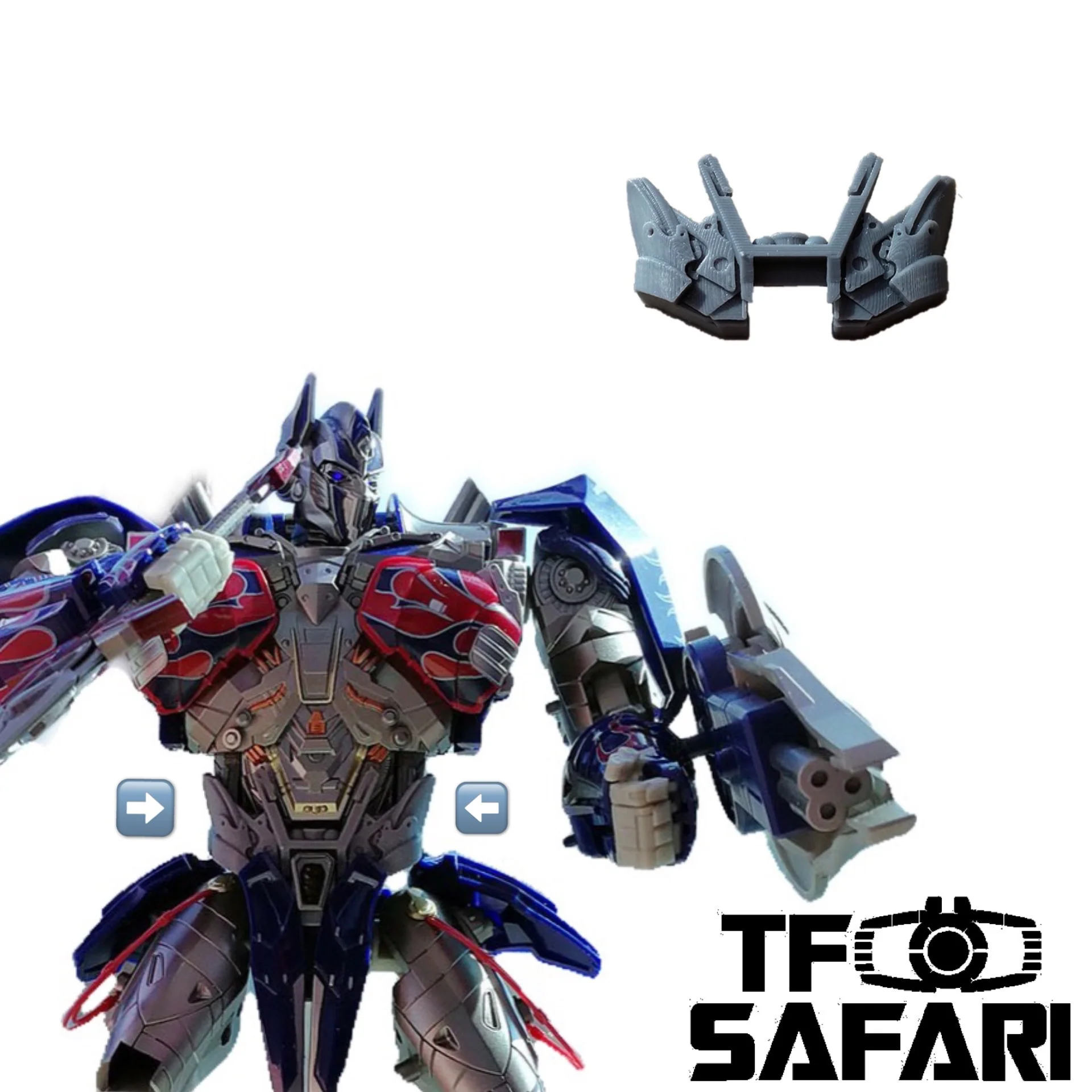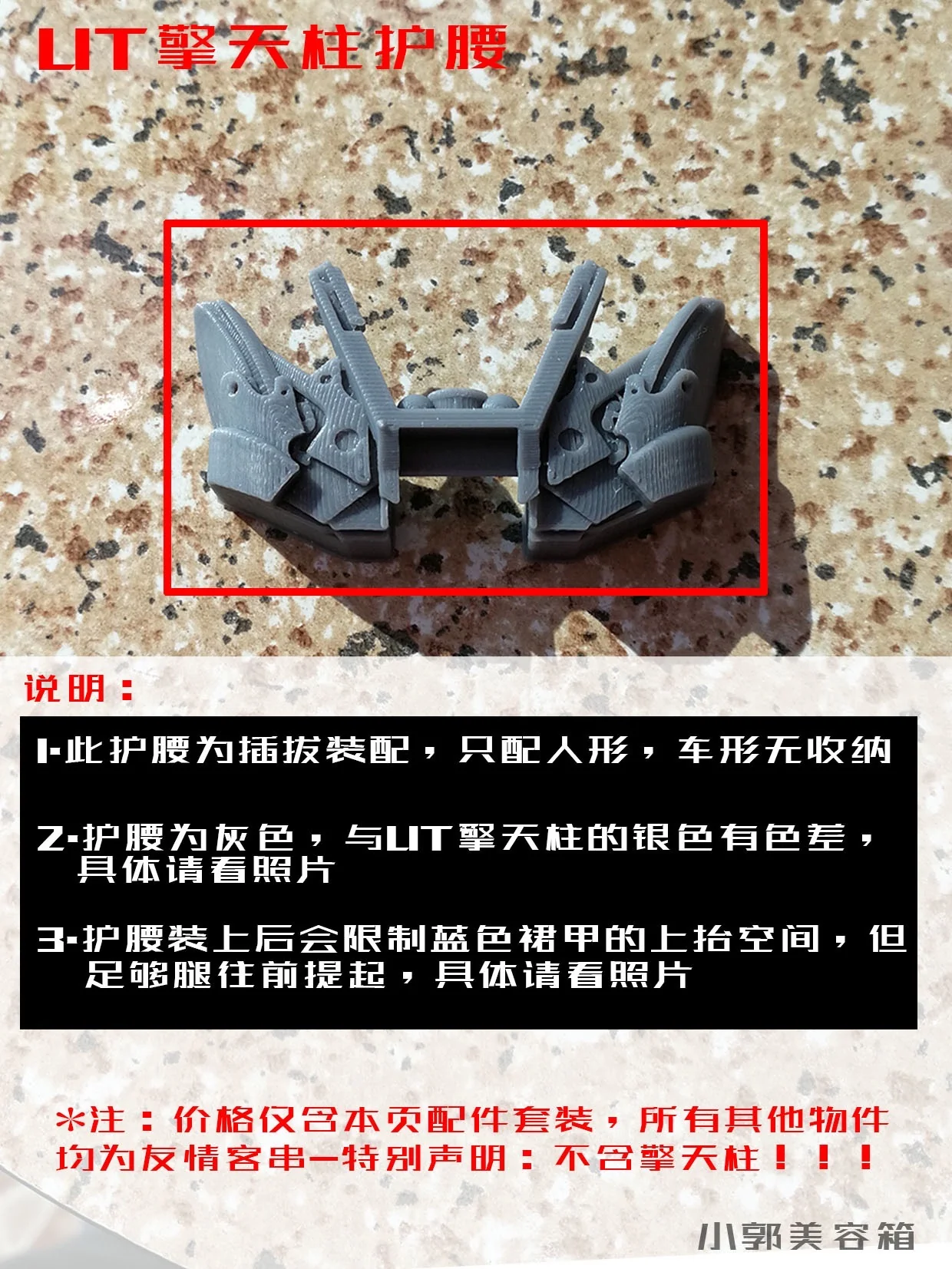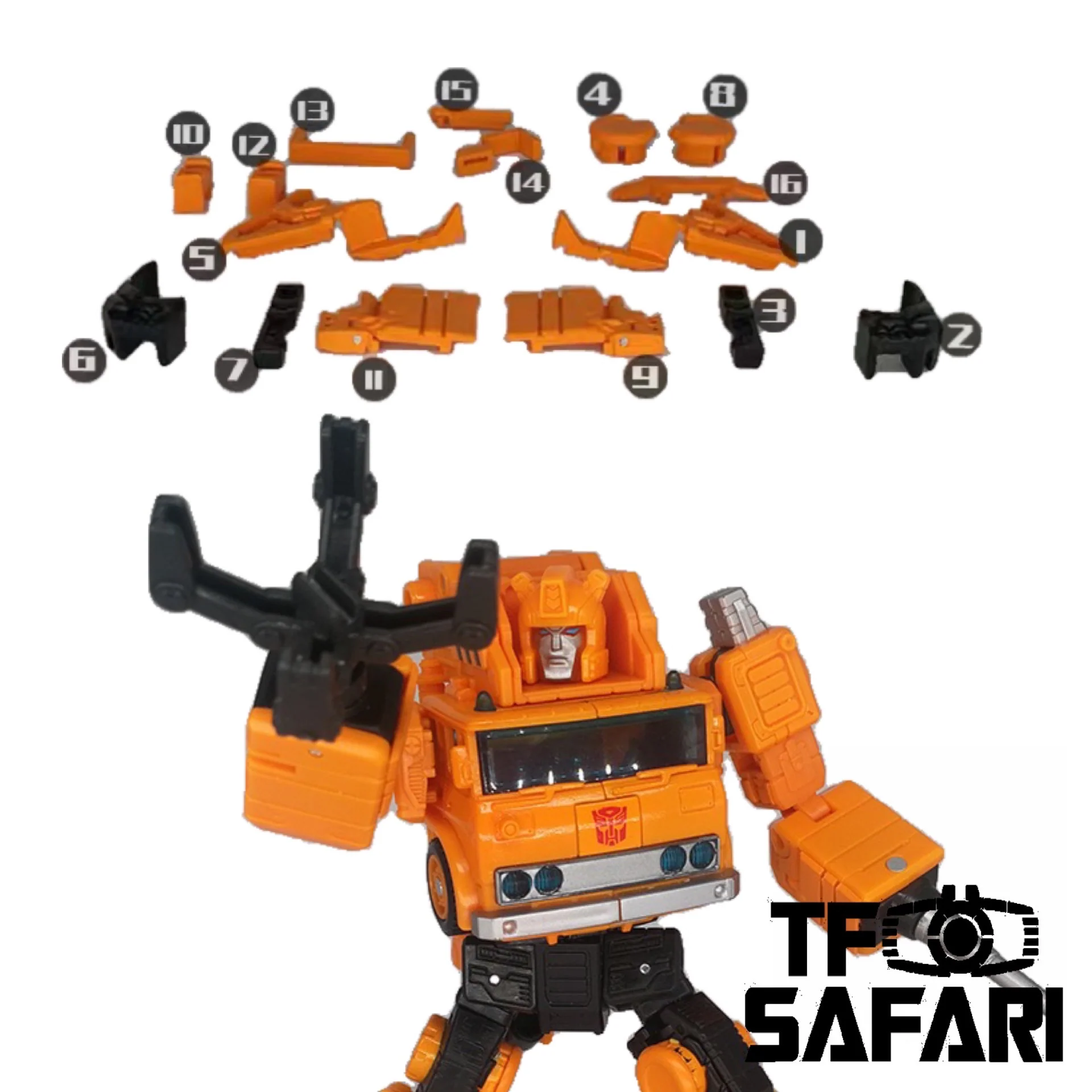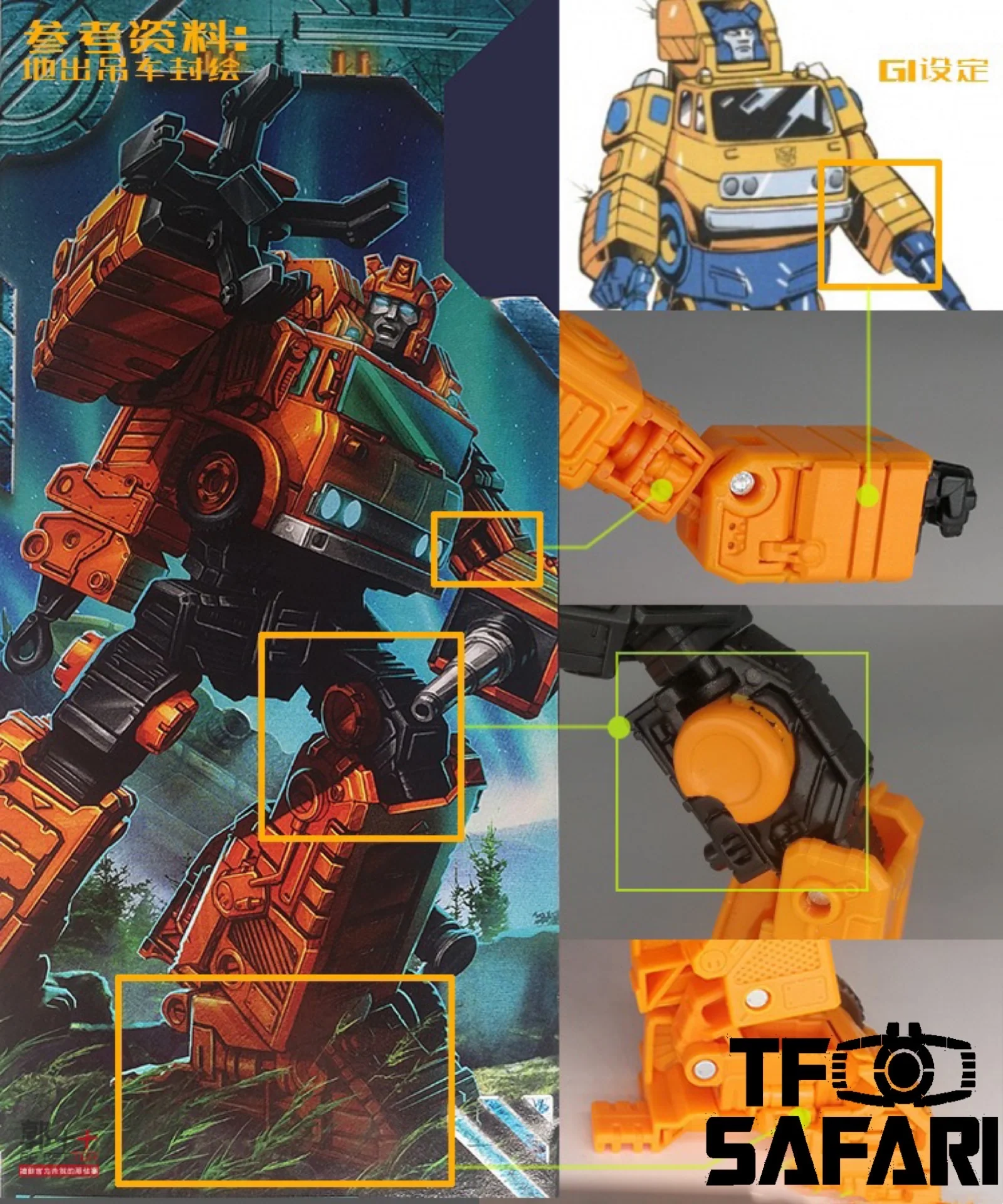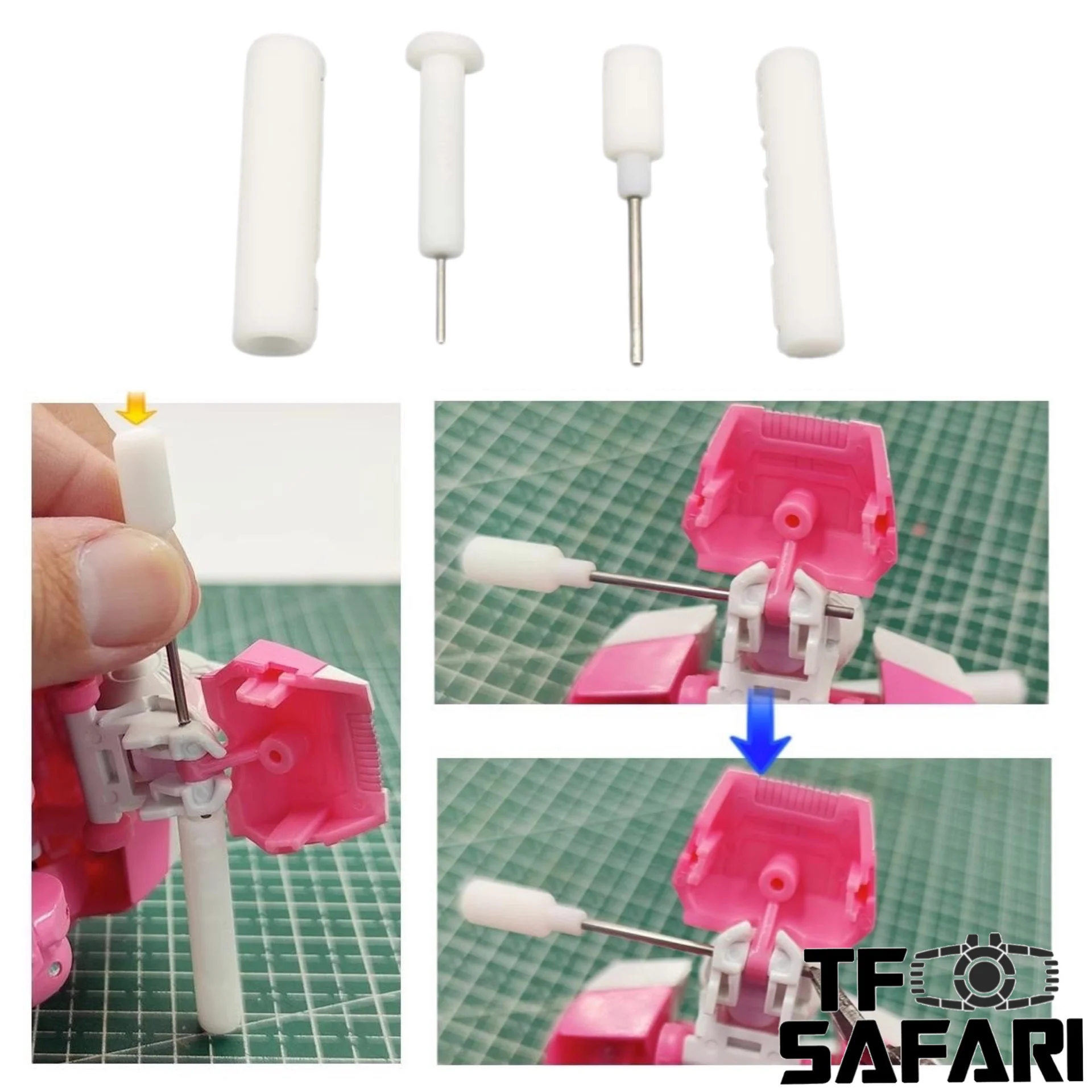
Go Better Studio GX-28 GX28 Dismantling Tool Pin Remover (Shaft remover, axle remover) for toy figures Upgrade Kit
Features:
Note:
1.This product contains different buy links, pls make sure you choose the right one you want;
2.GX-28 : For shaft Φ ≦ 1.5mm
GX-28B: For shaft Φ ≦ 1.0mm (Thinner)
3.Most of the pins(shaft)bear one knurled head to keep the pin in its original position. So it can be removed only from the other head(in only one direction),you need to check and try first to confirm which head is the knurled one.
A simple tool designed by Go Better Studio to help you easily remove the pin / shafts on your toy figures for futher upgrade.
The whole set includes:
1 x Shaft remover
1 x Sleever
How to use the tool:
Our upgrade kit that requires removing the pin / shaft on the toy figure.
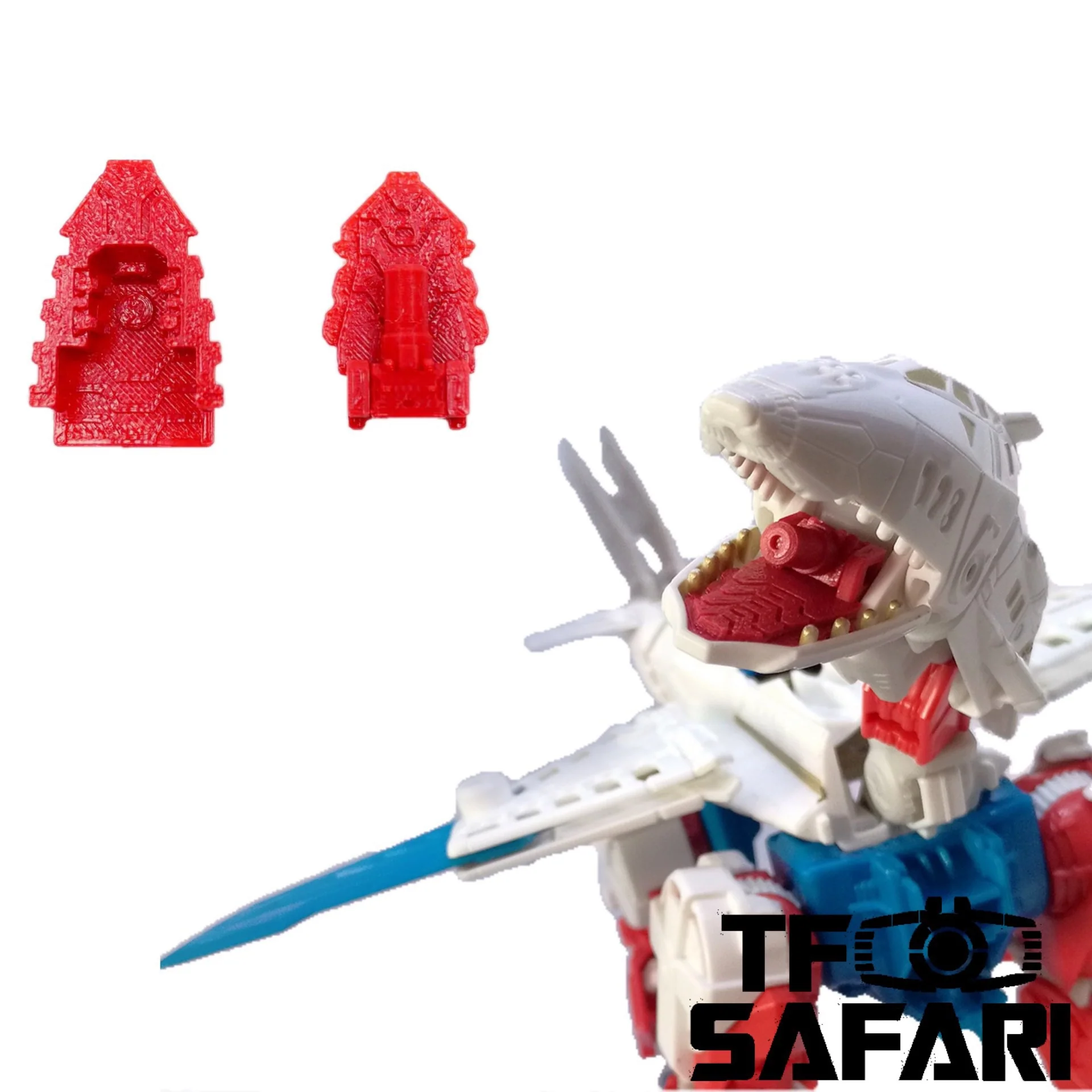
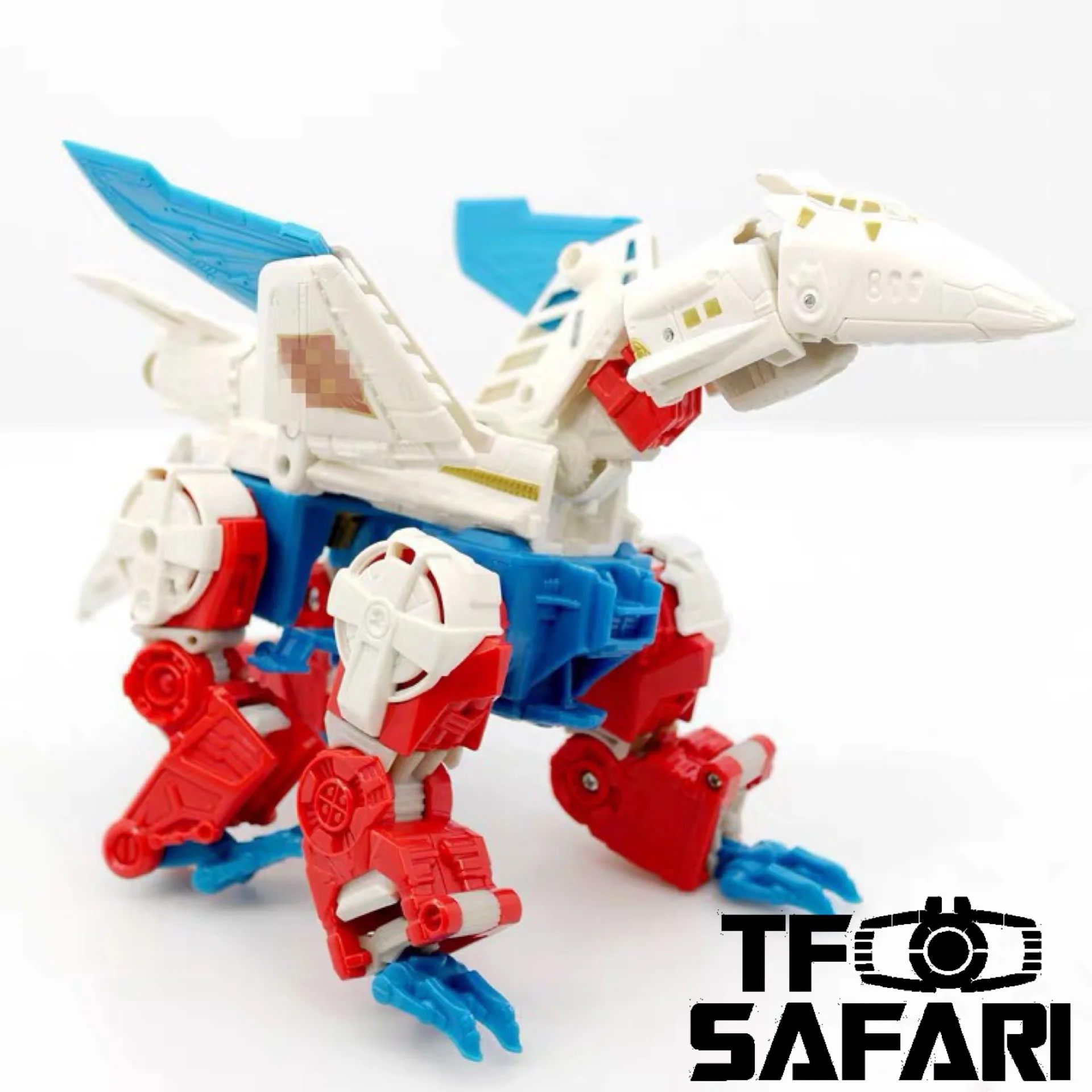
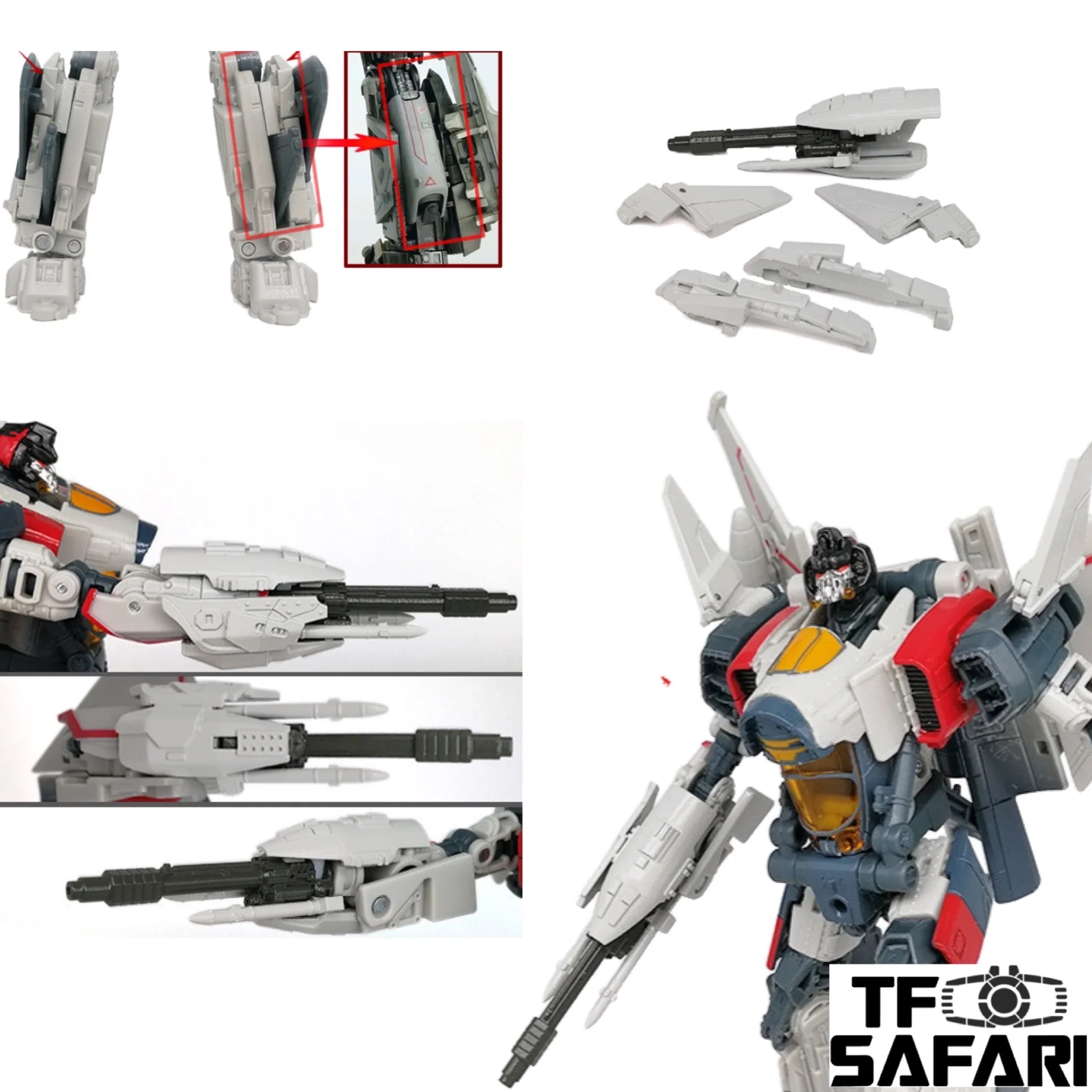
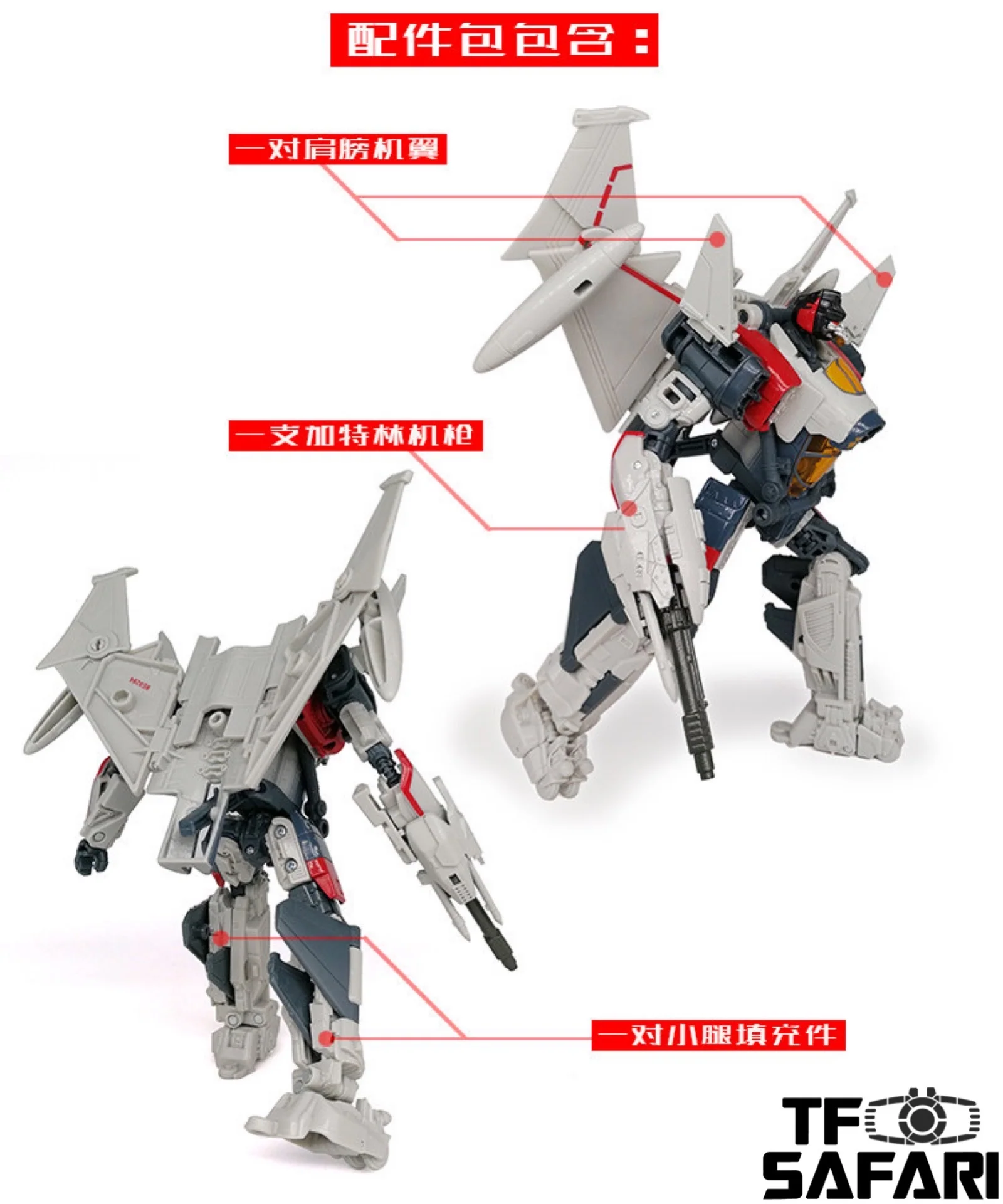
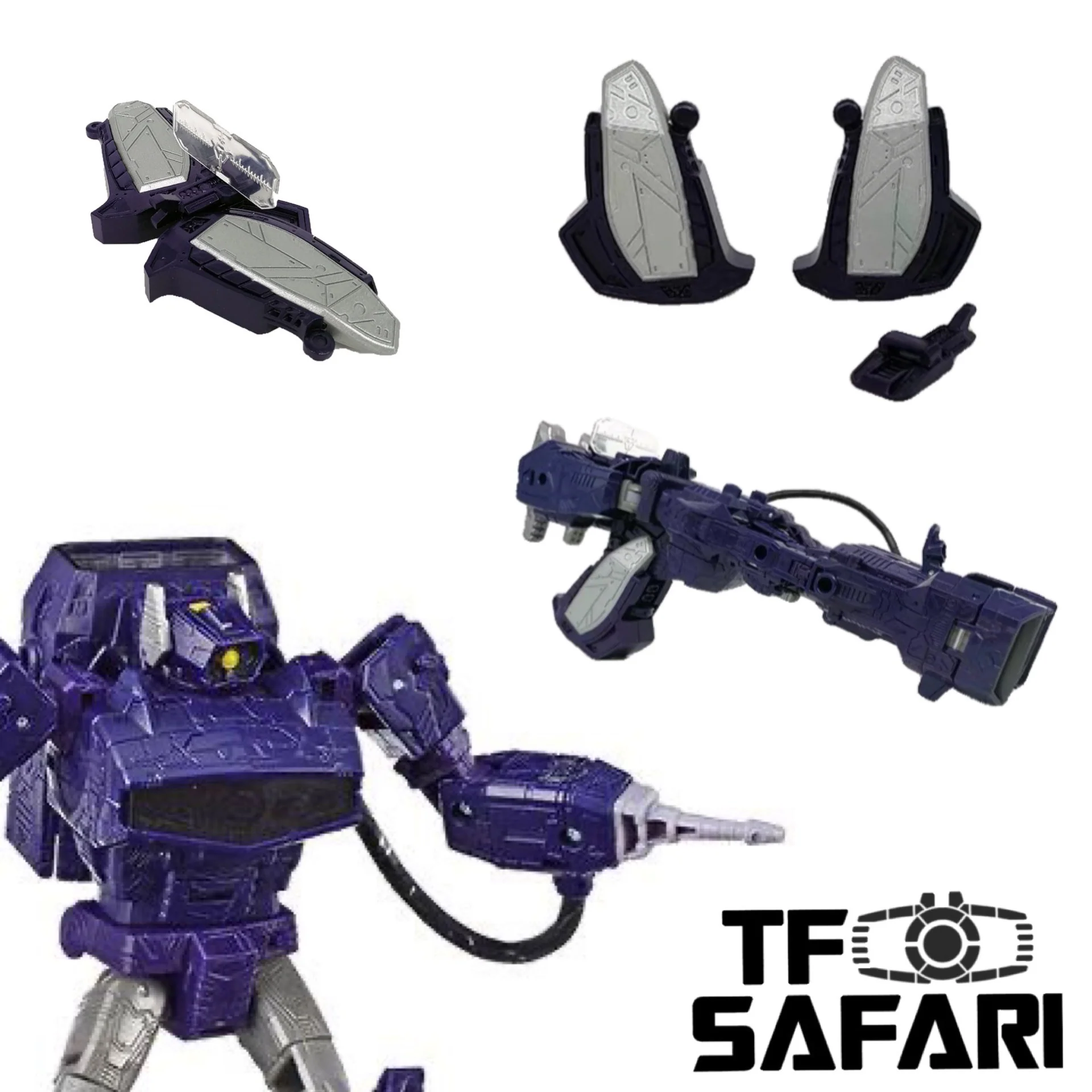
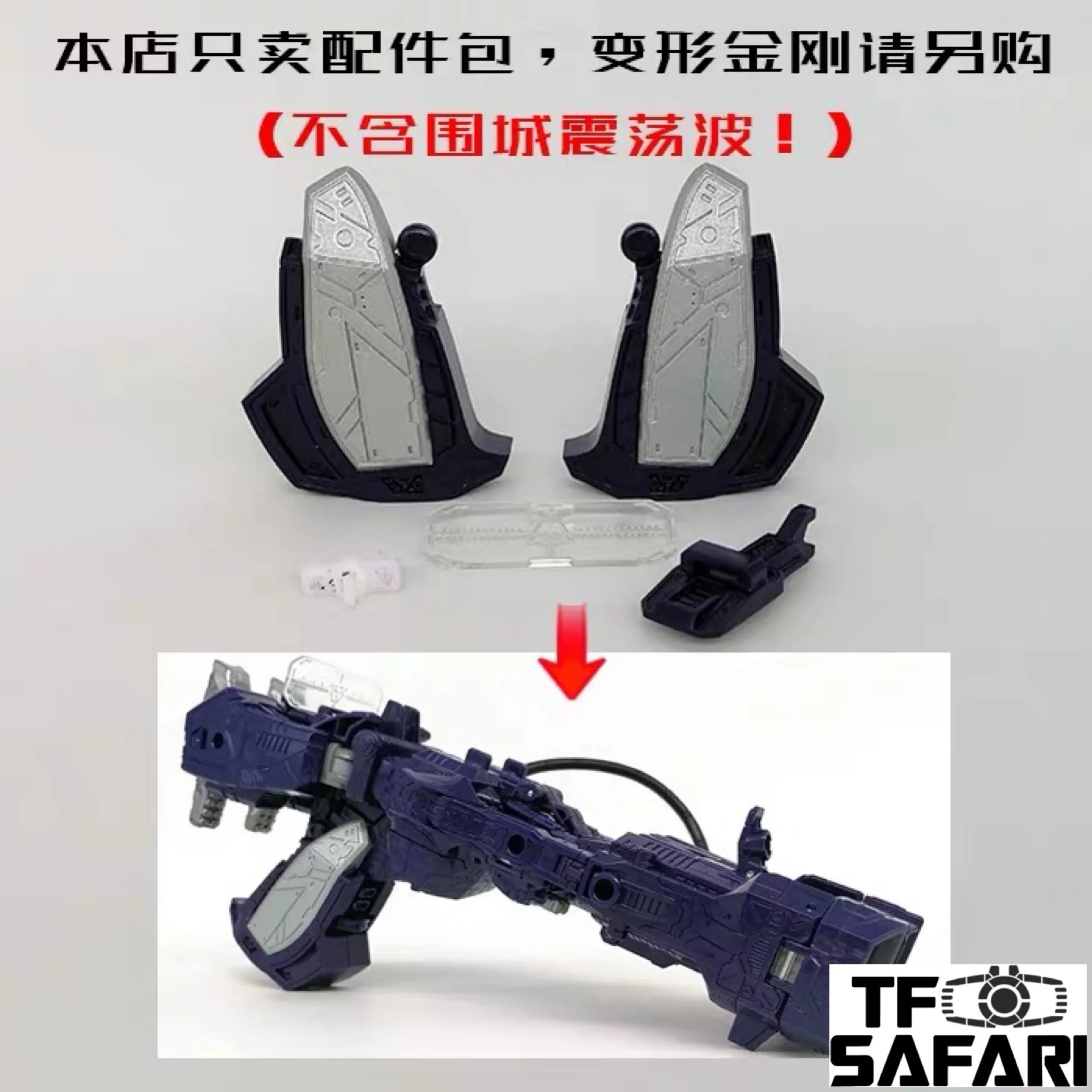
Go Better GX17 Upgrade Kit (New backpack) for WFC Siege Arcee
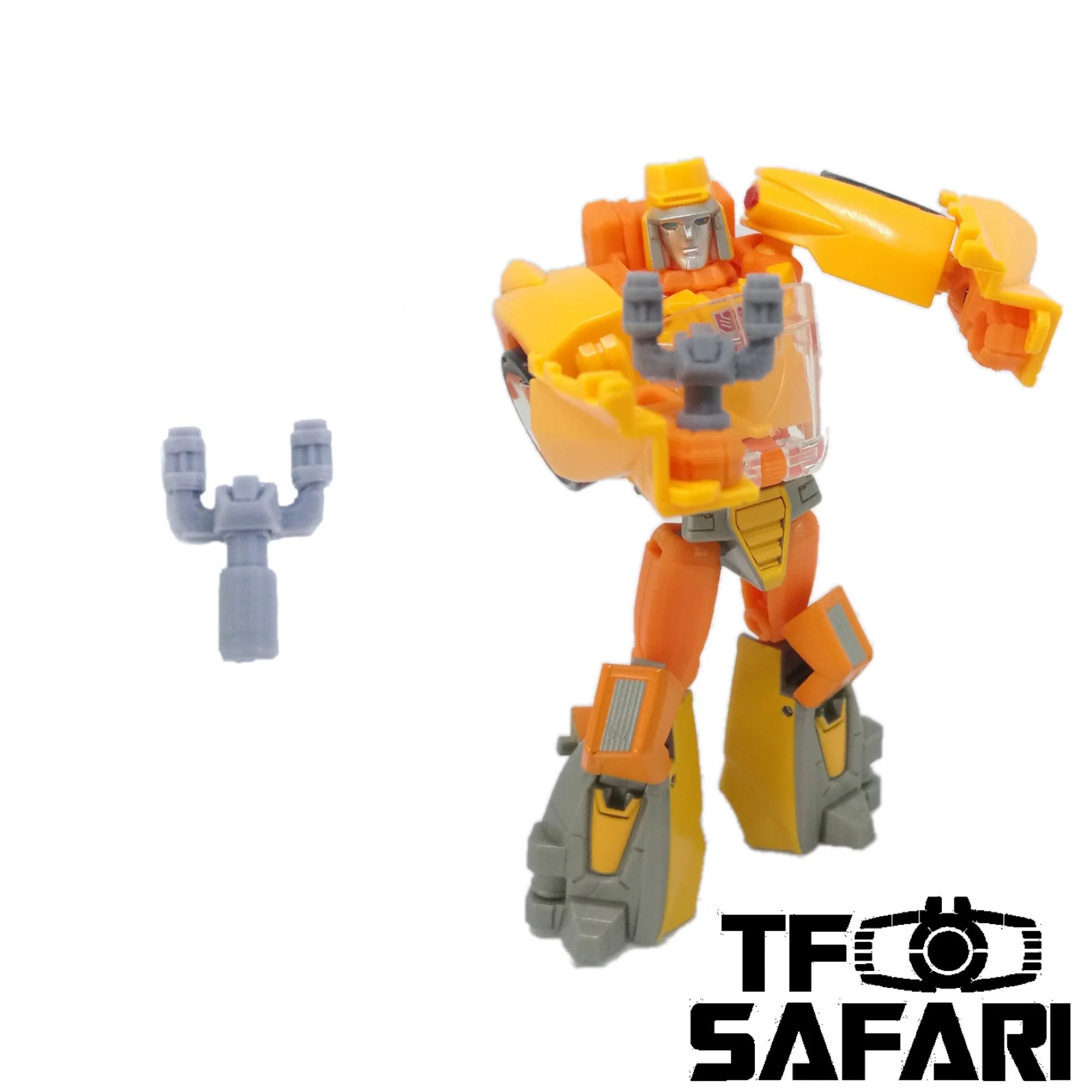
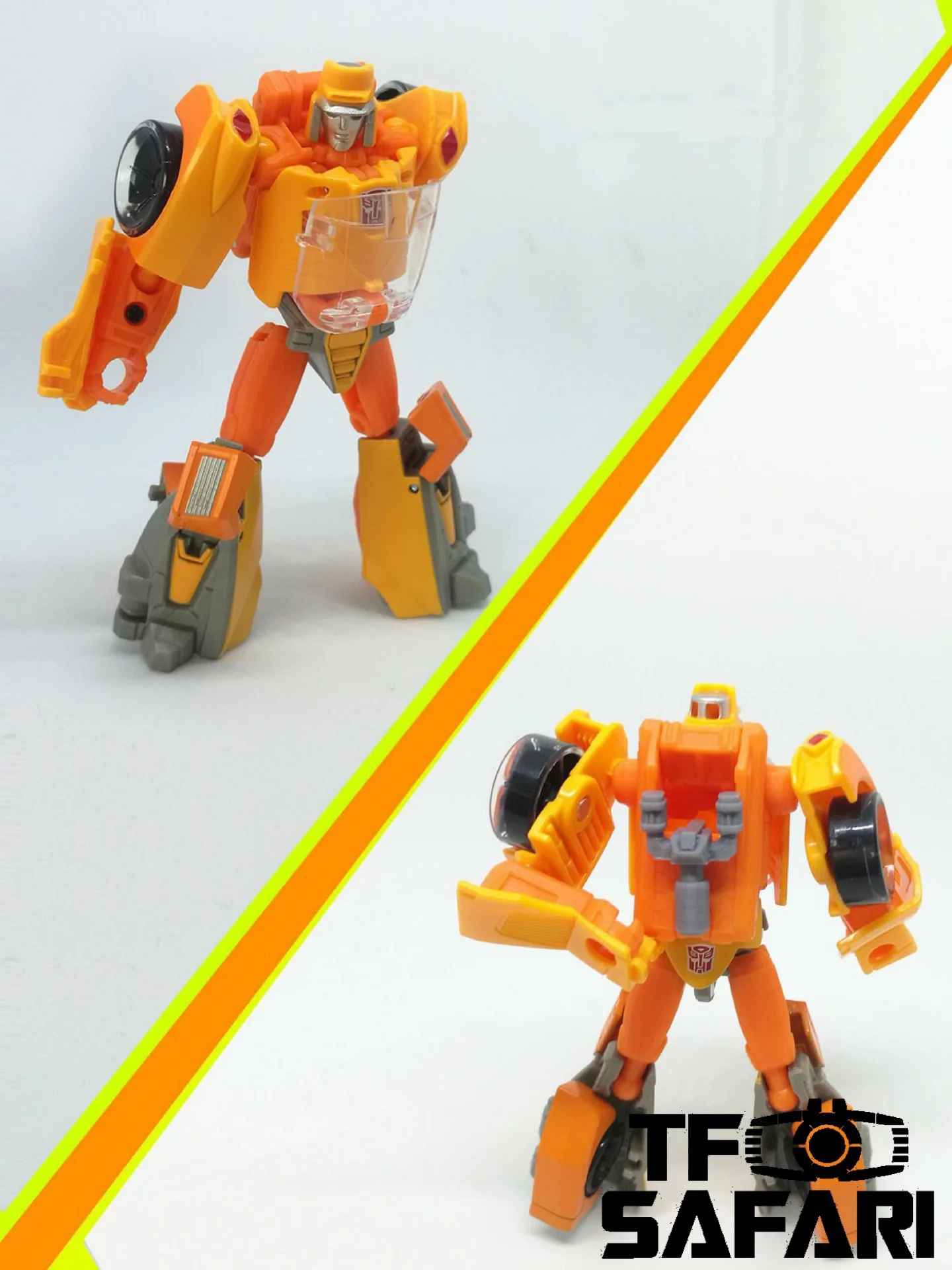
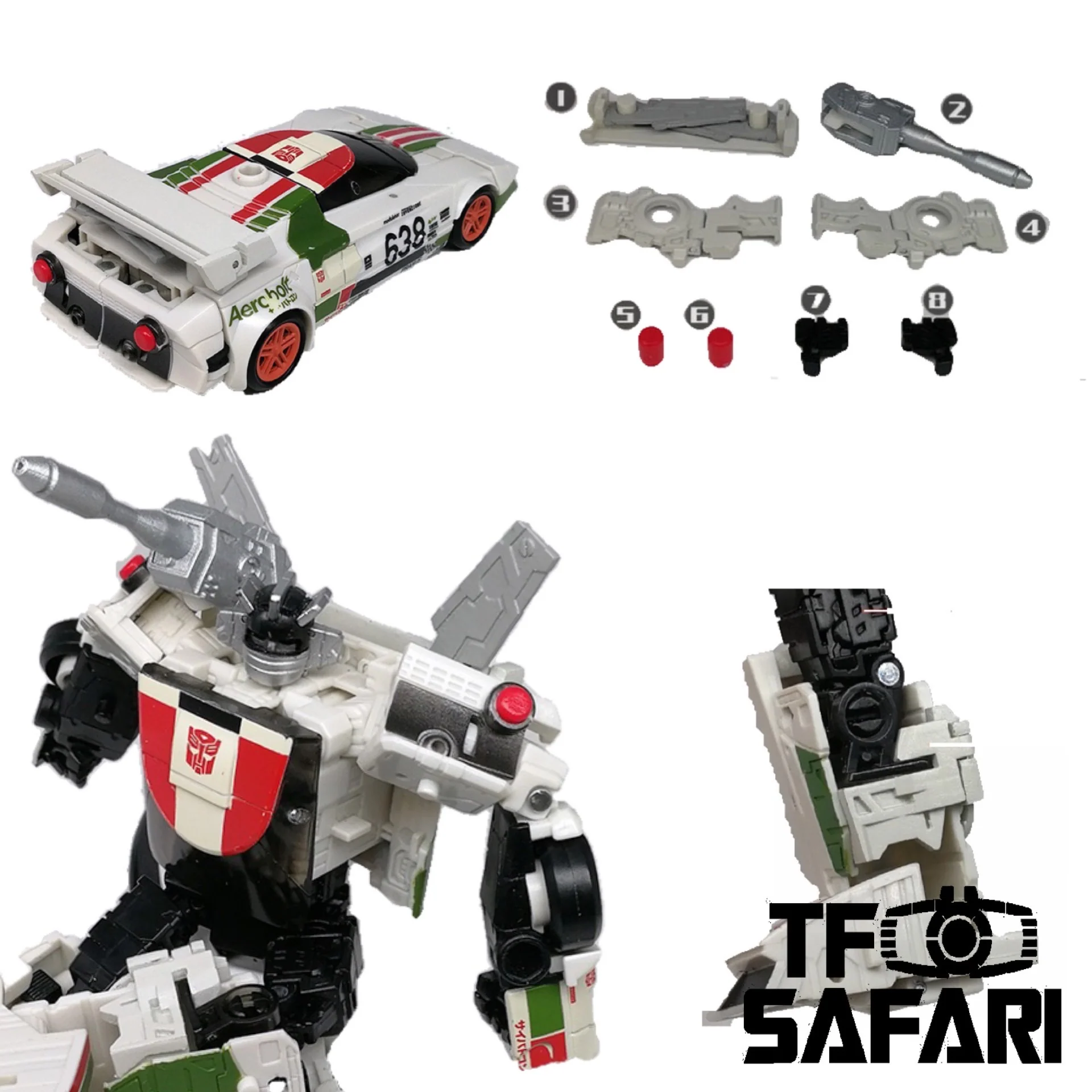
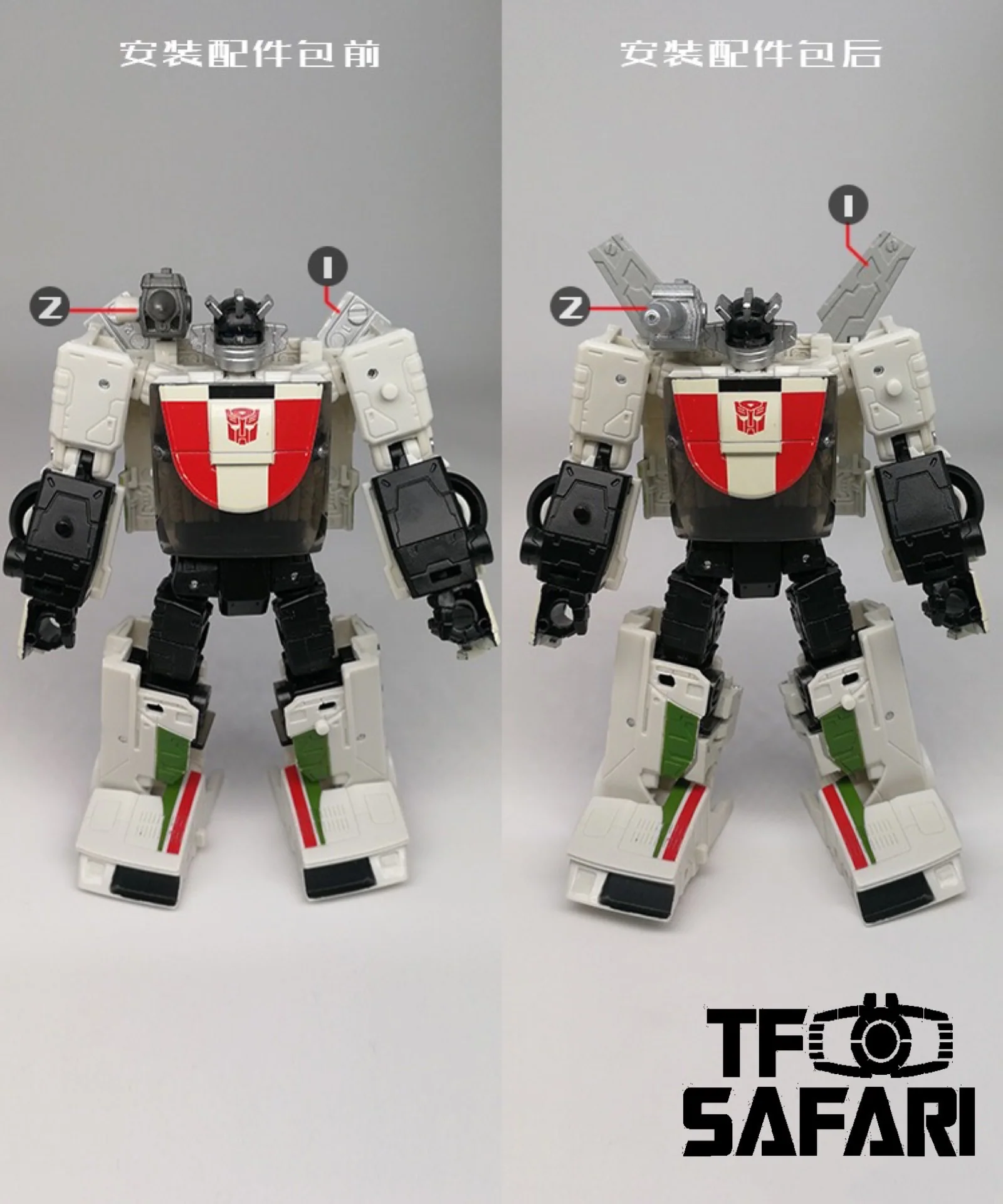
SKW03 Upgrade Kit (Backpack Connector) for WFC Siege CliffJumper / Bumblebee
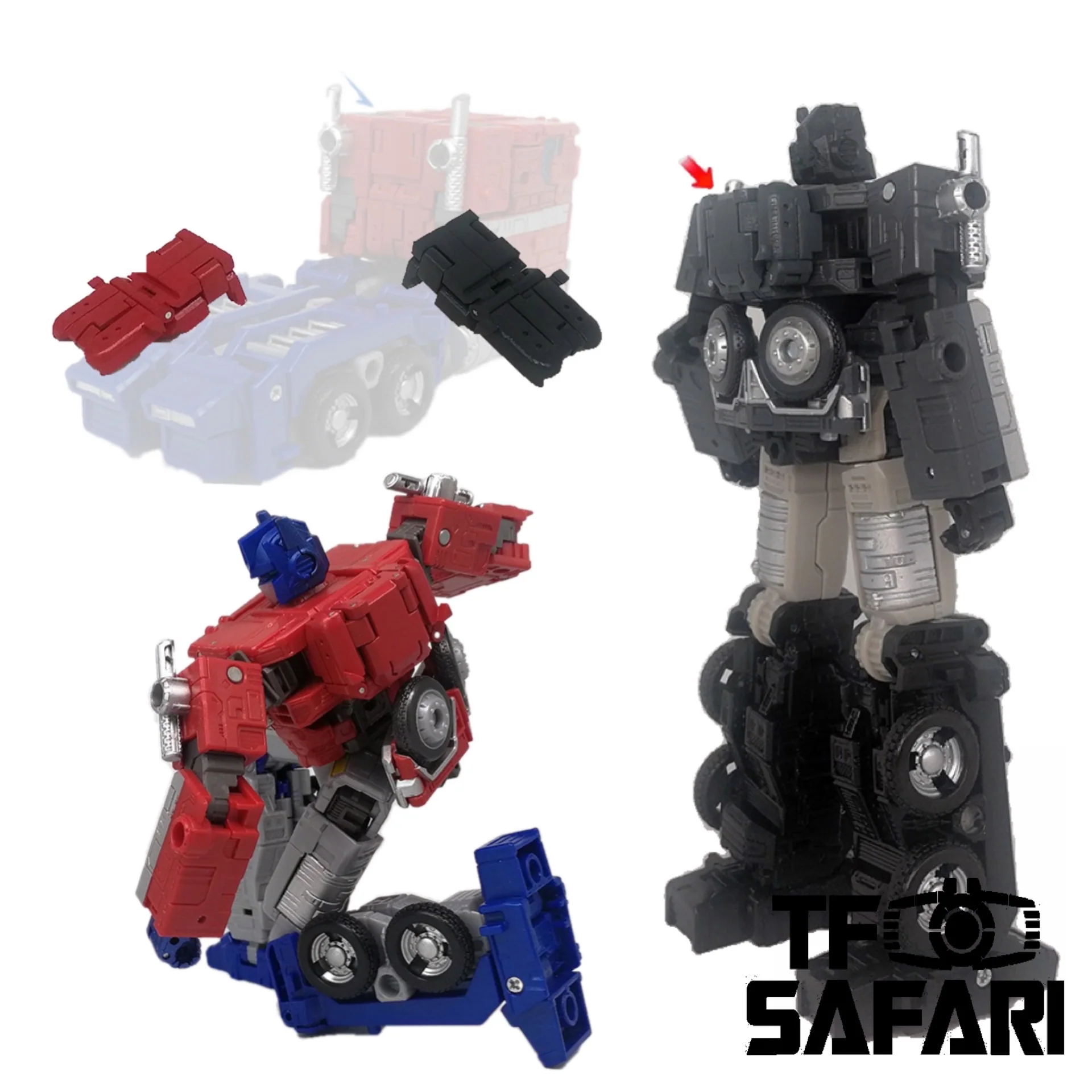
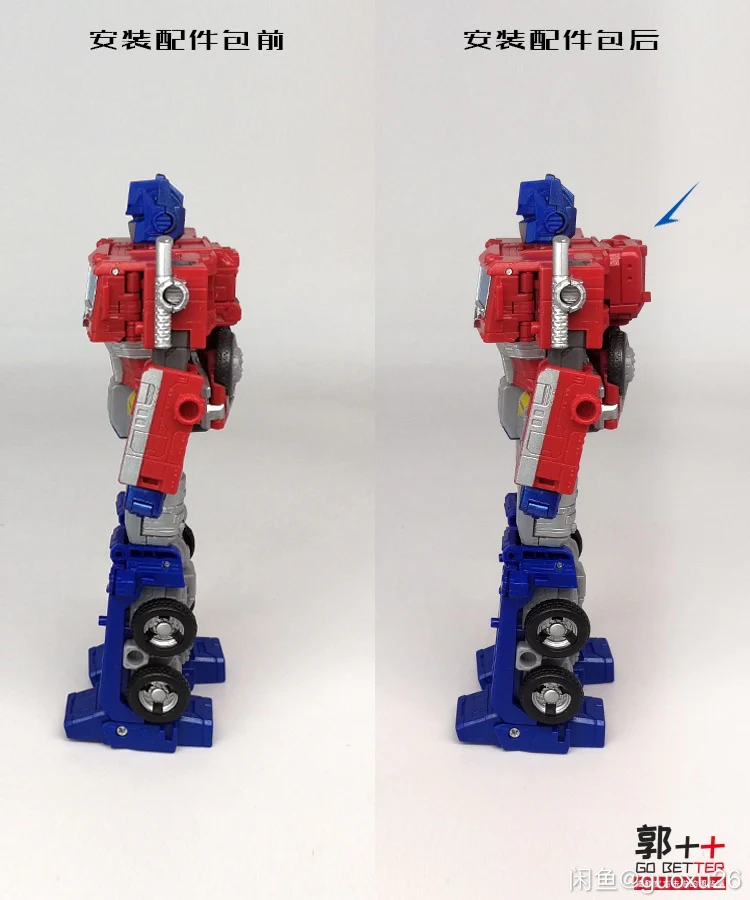
Go Better GX26 Replacing Shoulder Armor for MPM12 Optimus Prime
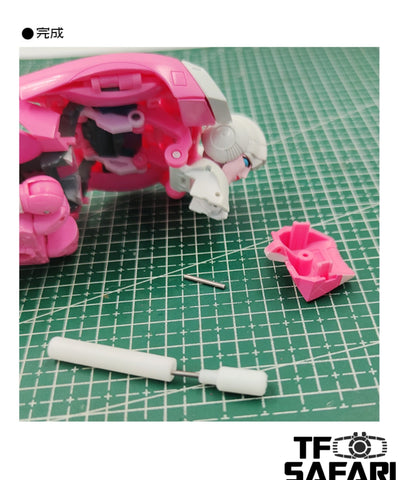
1. Stand the sleeve on a level surface, place the figure on the sleeve, direct one end of the pin you want to remove to the center of the sleeve.
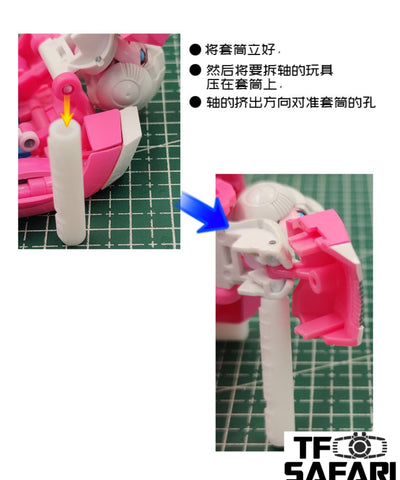
2. Put the remover on the other end of the pin you want to remove, keep both the remover and the sleeve stable. Use another tool (like a hammer, a plier) to hit the handle of the remover from the top.
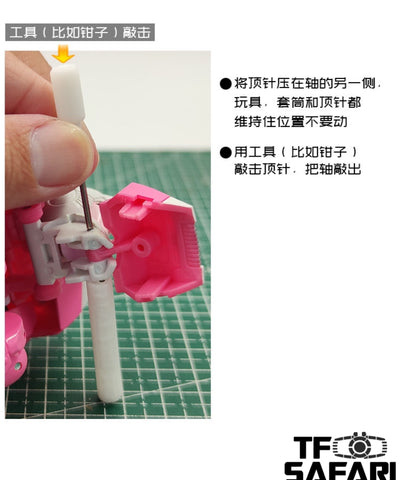
3. After the pin (the one you want to remove) is partially pushed out from its original position, it can then be removed with a plier (by pulling), if it is still kind of tight, pls repeat step 2.
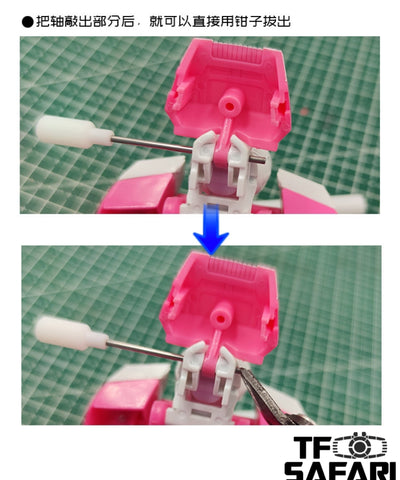
4. Done~
See below video for more details:
Status:
2023-8 New batch in stock.
Parameters:
| Producer | Go Better Studio |
| Size | Dismantling tool |
| Material | 3D printed |
| Shipment | From China |
| Note | Upgrade Kit |
Features:
Note:
1.This product contains different buy links, pls make sure you choose the right one you want;
2.GX-28 : For shaft Φ ≦ 1.5mm
GX-28B: For shaft Φ ≦ 1.0mm (Thinner)
3.Most of the pins(shaft)bear one knurled head to keep the pin in its original position. So it can be removed only from the other head(in only one direction),you need to check and try first to confirm which head is the knurled one.
A simple tool designed by Go Better Studio to help you easily remove the pin / shafts on your toy figures for futher upgrade.
The whole set includes:
1 x Shaft remover
1 x Sleever
How to use the tool:
Our upgrade kit that requires removing the pin / shaft on the toy figure.
Go Better GX17 Upgrade Kit (New backpack) for WFC Siege Arcee
SKW03 Upgrade Kit (Backpack Connector) for WFC Siege CliffJumper / Bumblebee
Go Better GX26 Replacing Shoulder Armor for MPM12 Optimus Prime
1. Stand the sleeve on a level surface, place the figure on the sleeve, direct one end of the pin you want to remove to the center of the sleeve.
2. Put the remover on the other end of the pin you want to remove, keep both the remover and the sleeve stable. Use another tool (like a hammer, a plier) to hit the handle of the remover from the top.
3. After the pin (the one you want to remove) is partially pushed out from its original position, it can then be removed with a plier (by pulling), if it is still kind of tight, pls repeat step 2.
4. Done~
See below video for more details:
Status:
2023-8 New batch in stock.
Parameters:
| Producer | Go Better Studio |
| Size | Dismantling tool |
| Material | 3D printed |
| Shipment | From China |
| Note | Upgrade Kit |
Original: $7.99
-65%$7.99
$2.80Description
Features:
Note:
1.This product contains different buy links, pls make sure you choose the right one you want;
2.GX-28 : For shaft Φ ≦ 1.5mm
GX-28B: For shaft Φ ≦ 1.0mm (Thinner)
3.Most of the pins(shaft)bear one knurled head to keep the pin in its original position. So it can be removed only from the other head(in only one direction),you need to check and try first to confirm which head is the knurled one.
A simple tool designed by Go Better Studio to help you easily remove the pin / shafts on your toy figures for futher upgrade.
The whole set includes:
1 x Shaft remover
1 x Sleever
How to use the tool:
Our upgrade kit that requires removing the pin / shaft on the toy figure.
Go Better GX17 Upgrade Kit (New backpack) for WFC Siege Arcee
SKW03 Upgrade Kit (Backpack Connector) for WFC Siege CliffJumper / Bumblebee
Go Better GX26 Replacing Shoulder Armor for MPM12 Optimus Prime
1. Stand the sleeve on a level surface, place the figure on the sleeve, direct one end of the pin you want to remove to the center of the sleeve.
2. Put the remover on the other end of the pin you want to remove, keep both the remover and the sleeve stable. Use another tool (like a hammer, a plier) to hit the handle of the remover from the top.
3. After the pin (the one you want to remove) is partially pushed out from its original position, it can then be removed with a plier (by pulling), if it is still kind of tight, pls repeat step 2.
4. Done~
See below video for more details:
Status:
2023-8 New batch in stock.
Parameters:
| Producer | Go Better Studio |
| Size | Dismantling tool |
| Material | 3D printed |
| Shipment | From China |
| Note | Upgrade Kit |