Shockwave Lab SL159 SL-159 LED Light Blaster for Studio Series 90 SS90 Galvatron Upgrade Kit
Features:
The whole set includes:
1 x Blaster
The set uses 1x CR927 Button Battery
TFSAFARI Instruction - How to install the cannon:
1.Rotate the lower side of the blaster clockwisely to disassembly it.
2.Take out the light effect part and put 1 x CR927 button battery into it.
3.Restore the blaster, the magnetic switch can be used to change the light effect.
*Note:
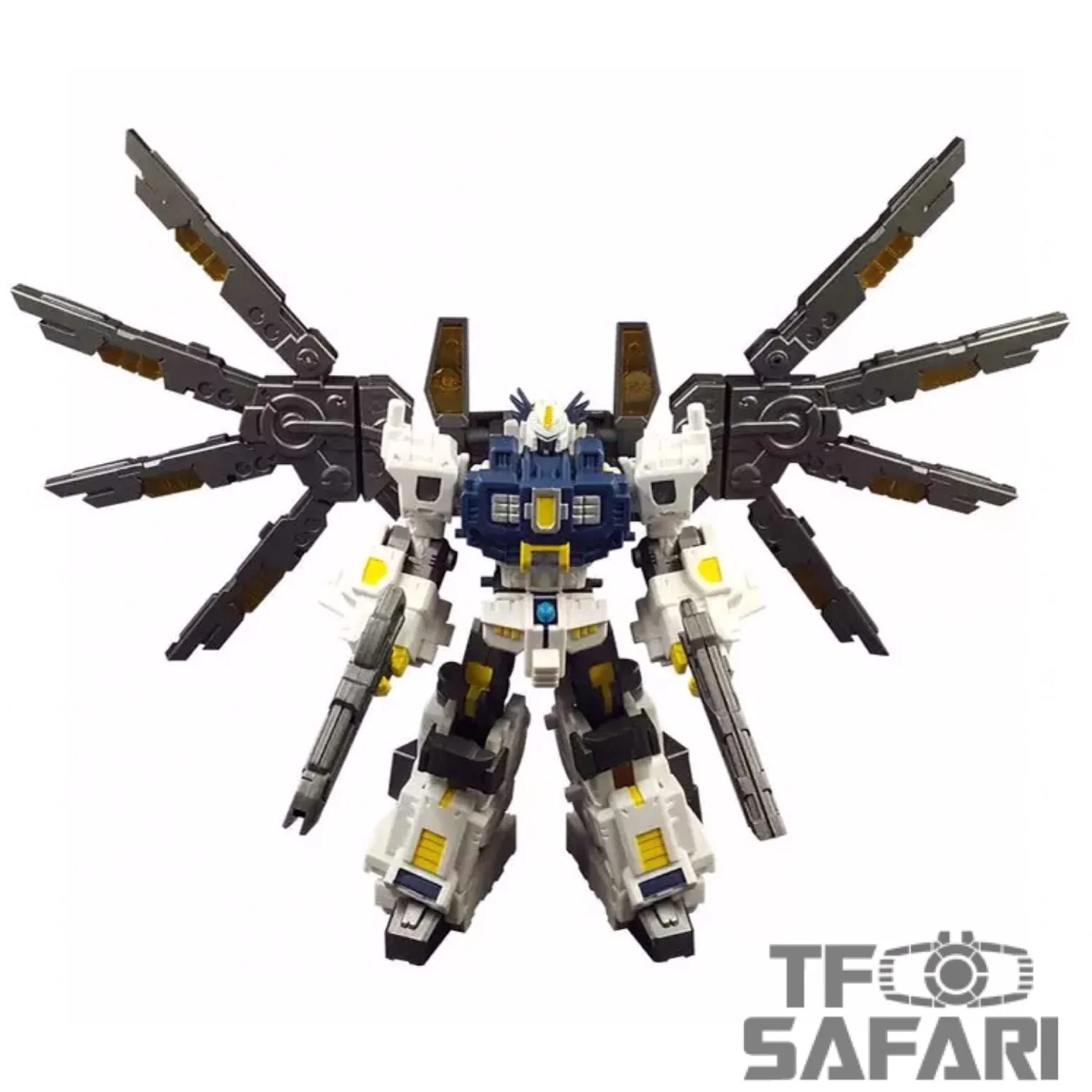
1. The main figures shown on the product photo is not included in this set.
Status:
2022-11 In stock.
Parameters:
| Producer | Shockwave Lab |
| Size | Fits to SS90 Galvatron |
| Material | 3D Printing resin |
| Shipment | From China |
| Note | Upgrade Kit |
Features:
The whole set includes:
1 x Blaster
The set uses 1x CR927 Button Battery
TFSAFARI Instruction - How to install the cannon:
1.Rotate the lower side of the blaster clockwisely to disassembly it.
2.Take out the light effect part and put 1 x CR927 button battery into it.
3.Restore the blaster, the magnetic switch can be used to change the light effect.
*Note:
1. The main figures shown on the product photo is not included in this set.
Status:
2022-11 In stock.
Parameters:
| Producer | Shockwave Lab |
| Size | Fits to SS90 Galvatron |
| Material | 3D Printing resin |
| Shipment | From China |
| Note | Upgrade Kit |
Original: $12.99
-65%$12.99
$4.55Description
Features:
The whole set includes:
1 x Blaster
The set uses 1x CR927 Button Battery
TFSAFARI Instruction - How to install the cannon:
1.Rotate the lower side of the blaster clockwisely to disassembly it.
2.Take out the light effect part and put 1 x CR927 button battery into it.
3.Restore the blaster, the magnetic switch can be used to change the light effect.
*Note:
1. The main figures shown on the product photo is not included in this set.
Status:
2022-11 In stock.
Parameters:
| Producer | Shockwave Lab |
| Size | Fits to SS90 Galvatron |
| Material | 3D Printing resin |
| Shipment | From China |
| Note | Upgrade Kit |